Workflow Blueprint
AI Medical Record Summarization Agent
Organize scattered patient records into a concise, easy to handle document which can help doctors prepare faster before a consultation. This is AI Agent is ideal for small clinics, hospitals and general health practitioners .
OperationsDirect Answer
This agent collects a patient's records, reads the important facts, organizes all the information and vitals necessary for a patient counseling session. It reduces the time spent going through old reports and final decision is still handled by a qualified person.
Workflow Logic / System Flow
Structured steps
Step 1
TriggerStart Record Review
Start the workflow when a patient's approved record set is ready for pre-consultation review.
- Tool Hint
- n8n, Make, secure EMR/EHR integration
- Estimated
- 1 min
Step 2
ProcessInput Capture
Collect the patient's approved reports, notes, referrals and other relevant documents from configured sources.
- Tool Hint
- Secure storage, EMR/EHR, document repository
- Estimated
- 3 min
Step 3
ProcessCheck Record Set
Confirm that documents belong to the intended patient and identify unreadable, duplicate or obviously missing files.
- Tool Hint
- Workflow platform, document database, rules engine, AgentsCanva Demo Tool
- Estimated
- 2 min
Step 4
ProcessAI Processing
Extract dates, reported findings, history, medications or treatments mentioned, referrals and other relevant information directly from the records.
- Tool Hint
- OpenAI, Claude, OCR/document extraction
- Estimated
- 5 min
Step 5
ProcessBuild Timeline
Organize extracted events chronologically and retain the source document for each important item.
- Tool Hint
- OpenAI, Claude, structured JSON, database
- Estimated
- 3 min
Step 6
ActionFlag Open Items
Identify missing reports, unresolved follow-ups, unclear information and other items explicitly indicated by the records as needing attention.
- Tool Hint
- LLM, rules engine, structured data store
- Estimated
- 3 min
Step 7
CustomPrepare Doctor Brief
Turn the structured information into a concise, standardized one-page briefing with source references and verification flags.
- Tool Hint
- OpenAI, Claude, document generator
- Estimated
- 3 min
Step 8
ReviewReview Brief
A doctor or authorized clinical professional checks the briefing against the source records and corrects or rejects anything inaccurate.
- Tool Hint
- Internal dashboard, secure document viewer, approval interface
- Estimated
- 5 min
Step 9
CustomDeliver Approved Brief
Make the reviewed briefing available through the clinic's approved internal workflow before the consultation.
- Tool Hint
- EMR/EHR, secure internal dashboard, approved notification system
- Estimated
- 2 min
Step 10
ReviewRecord Workflow Status
Log processing status, review status and workflow errors without unnecessarily duplicating sensitive patient information.
- Tool Hint
- Airtable, database, secure audit log
- Estimated
- 5 min
Implementation Matrix
Structured execution block
Table structure is intentionally designed as an upgradeable execution layer for future automation modules.
| Phase | Owner Layer | Output Artifact | Success Metric |
|---|---|---|---|
| Capture context | A doctor, small clinic, or medical operations team that receives patient information from several sources and wants a faster way to prepare before appointments without replacing professional | Input brief + constraints | Inputs are complete and unambiguous |
| Run workflow logic | Workflow engine (planned stack layer) | Processed decision/output | Output follows the defined rules |
| Deliver action | Execution operator | Message/task delivered | Delivery reaches intended audience |
| QA + optimize | Human reviewer | Review notes + revision queue | Failure points reduced over time |
Operator-Ready Recommendations
Recommended Tools for This Workflow
This stack highlights the tools that best fit the workflow logic, operator experience, and implementation path shown on this page.
Some tool links may be affiliate links. We only recommend tools that fit the workflow logic and operator experience shown in this blueprint.
Trust-first disclosuren8n
Why this tool is included
n8n will help you to create and implement the whole workflow.
Recommendation context
n8n is positioned here as the workflow design layer for this workflow, helping operators move from blueprint to execution with less setup ambiguity.
Workflow Mid Content
Placeholder framework only. This reserved block can be swapped to live AdSense markup later.
Reserved after the recommended tool stack so future ads can appear in a high-intent zone without interrupting the hero or trust-critical opening screen.
Operator Prompts
Use these reusable prompt blocks to guide implementation, QA, handoff, or operator execution.
Extract Medical Record Facts
checklist
Read the supplied medical record document and extract only information that is explicitly present in the source.

Return structured information under these headings:

Document date:
Document type:
Reason for visit or report:
Relevant history:
Reported symptoms:
Diagnoses or conditions mentioned:
Investigations and reported findings:
Medications or treatments mentioned:
Procedures or referrals:
Follow-up instructions mentioned:
Important dates:
Other relevant facts:

For every important fact, retain the source document name or document reference.

Do not diagnose the patient.
Do not infer missing information.
Do not convert an uncertain statement into a fact.
If information is not present, write "Not stated in source."
Use once per source document. Keep extraction separate from the final summarization step.
Build Patient Timeline
custom
Using only the extracted information supplied from the patient's records, create a chronological timeline.

For each event include:
- Date or approximate date exactly as supported by the source
- Event
- Relevant finding or information
- Source document

Place events in chronological order.

If two dates conflict, do not choose one yourself. Mark the conflict for review.

If a date is missing, say "Date not stated."

Do not add diagnoses, interpretations or clinical conclusions that are not present in the source records.
Feed this prompt structured extraction results rather than raw documents where possible.
Identify Open Items
checklist
Review the supplied extracted patient record information and identify items that may require human attention.

Look only for issues supported by the records, such as:
- A report or document mentioned but not supplied
- A follow-up explicitly requested in a previous note
- Conflicting information between documents
- Missing dates or unclear chronology
- Medication information that is incomplete or inconsistent
- A result explicitly described in the source as requiring follow-up
- Information that the source itself identifies as incomplete

For every item provide:
1. Open item
2. Why it was flagged
3. Source document
4. What should be verified

Do not diagnose.
Do not decide whether treatment is required.
Do not invent missing information.
This is a flagging step, not a clinical decision programme.
Create Doctor Brief
operator
Create a concise doctor briefing using only the supplied patient record information.

Use this structure:

PATIENT RECORD BRIEF

Reason for current review:
Relevant history:
Recent findings:
Medications or treatments mentioned:
Key timeline:
Open or unresolved items:
Information requiring verification:
Source documents reviewed:

Rules:
- Keep the briefing concise.
- Include only information supported by the records.
- Do not diagnose.
- Do not recommend treatment.
- Do not invent missing information.
- Clearly label uncertainty or conflicting information.
- Keep important source references beside the relevant information.
- If an important section has no information, write "Not available in supplied records."
- End with: "AI-assisted summary — clinical review required."
This should produce the doctor-facing draft. Keep it short enough to scan quickly.
Clinical Safety Review
user
Review the generated briefing for factual and process errors before it is shown to the doctor.

Check:
- Whether every important claim is supported by a source record
- Whether dates have been preserved correctly
- Whether conflicting information has been flagged
- Whether missing information has been presented as missing
- Whether the summary accidentally introduces a diagnosis or treatment recommendation
- Whether the briefing clearly states that clinical review is required
- Whether patient information appears to have been mixed with information from another record

Return:
PASS if the briefing is suitable for human review.
REVIEW REQUIRED if any issue is found.

For REVIEW REQUIRED, explain the specific issue and identify the affected section.

Do not make clinical decisions.
Make this a gate before final delivery. A failed safety check should route the workflow back to human review rather than silently continuing.
Detailed Blueprint Body
Use Case Summary
• Who uses this: Solo doctors, general practitioners, small clinics, outpatient departments, and medical administrative teams . • Problem solved: Patient information is generally scattered and available as multiple PDFs, lab reports, scanned documents, referral notes, and previous visit records. • Likely tools: Secure document storage, OCR/document extraction, an LLM such as OpenAI or Claude, a workflow platform such as n8n or Make, and an internal notification system. • Outcome: A structured briefing containing relevant history, recent reports & findings, medications or treatments mentioned in the records. • Human review: A doctor or authorized clinical professional should review the briefing before it is used for patient care. • Important boundary: This AI Agent summarizes source records; it should not independently diagnose a patient or make treatment decisions.
Introduction
When the Patient Record Is Scattered Everywhere
A doctor may have the patient in front of them for only a few minutes, but the patient's history can be spread across months or years of documents. There may be laboratory reports, referral letters, discharge summaries, prescriptions, scanned documents and previous consultation notes.
The problem is not always a lack of information. Often, there is simply too much of it in too many places. The old records are present at multiple sites or folders. The admin team has to go through each file , read and make some initial assessment before presenting it to the doctor.
Before a consultation, someone may need to open several files, find the latest results, work out what happened first, identify what is still unresolved and prepare the information for the doctor. For a busy small clinic, this can become a time consuming and resource oriented task.
Practical idea: Use AI to organize and summarize the records, but keep the doctor responsible for reviewing the result before it is used in clinical care.
What This Workflow Does
The workflow brings the available patient documents together, extracts useful information, builds a simple timeline and identifies items that may need attention. It then creates a short doctor briefing instead of asking the doctor to search through every document manually.
The goal is not to create an automated doctor. The goal is much simpler: give the doctor a better starting point.
- Collect available patient records.
- Extract relevant information from each document.
- Arrange important events chronologically.
- Separate confirmed information from unclear or missing information.
- Create a concise briefing for doctor review.
Implementation Guide
How the Workflow Works
The basic flow is straightforward:
Patient Records → Collect Documents → Extract Key Information → Build Timeline → Identify Open Items → Doctor Brief → Doctor Review
1. Collect the Patient Records
The workflow starts when records are available for a patient. Depending on the clinic's existing process, documents might come from a secure folder, electronic medical record system, document upload form, email intake process or another approved source.
Each document should be associated with the correct patient record before it enters the AI processing stage.
2. Extract Key Information
The document-processing step reads the available material and extracts information such as dates, reported symptoms, diagnoses mentioned in the source documents, laboratory findings, medications or treatments mentioned, referrals, previous procedures and other clinically relevant facts.
The important rule is simple: the AI should report what the source records say rather than filling gaps with assumptions.
3. Build a Patient Timeline
Once information has been extracted from several documents, the workflow organizes important events by date. This makes it easier for the doctor to see what happened previously, what changed recently and which information comes from which document.
If a date is uncertain, the briefing should say so rather than inventing one.
4. Identify Open Items
The workflow can look for information that appears incomplete or requires attention. Examples include a referenced report that is not present, a follow-up mentioned in a previous note, an unclear medication status or a result that the source document says requires follow-up.
These are flags for review, not automatic clinical decisions.
5. Create the Doctor Brief
The AI creates a short briefing using a consistent structure. A useful format could include:
- Patient identifier approved for internal use
- Reason for current consultation, if available in the records
- Relevant history found in the source material
- Recent investigations and reported findings
- Medication or treatment information mentioned in the records
- Important timeline events
- Open or missing items
- Source documents used
- Items requiring doctor verification
6. Doctor Review
This is the most important checkpoint. The generated briefing should be clearly marked as an AI-assisted summary and reviewed by the appropriate medical professional before it is relied upon.
The doctor can correct an inaccurate extraction, disregard an irrelevant item or return to the original source document when something needs verification.
Operator tip: Always keep links or references to the original documents alongside important extracted facts. A short summary is useful, but the source remains the authority.
Where AI Helps
AI is particularly useful for repetitive reading and organization. It can turn several long documents into structured information and then produce a consistent briefing format.
The safest design is to make the AI's job narrow: extract, organize, summarize and flag. Do not ask it to independently diagnose, prescribe or decide treatment.
Practical Tool Choices
A prototype can be built with an automation platform such as n8n or Make, a secure document repository, an OCR or document extraction service and an approved LLM provider.
For a small clinic, it is better to start with a limited document flow than to connect every possible system immediately. Once the basic workflow is reliable, additional sources can be added.
Expected Outcome
The result is a repeatable preparation process that turns a pile of records into a short, structured starting point for the doctor. The biggest benefit is not removing clinical work. It is reducing the time spent finding and organizing information before that clinical work begins.
Conclusion
A Better Starting Point for the Consultation
An AI Medical Record Summarization Agent can help a small medical practice deal with one of the simplest but most time-consuming problems: finding the important information inside a patient's scattered records.
The workflow does not need to be fully automated. In fact, a safer first version is a semi-automated process where AI prepares the briefing and a doctor or authorized professional reviews it before use.
You can prototype the entire flow in the AgentsCanva Demo Builder first. Test the document collection, extraction, timeline and review stages with sample or properly de-identified records before investing in a production integration.
Once the process works reliably, it can be connected to the clinic's approved systems and expanded carefully. Start with a useful summary, keep the source documents available, and keep a qualified human in the loop.
Trust & Review Layer
Structured notes from workflow operators and reviewers.
Implementation Note
5 notesHuman Review Is Essential
The AI summary should support the doctor's preparation, not replace clinical judgment. Keep a qualified human review before the briefing is used for patient care.
Keep Source References
Every important extracted fact should be traceable to the original document. This makes verification much easier when something looks wrong or incomplete.
Protect Patient Data
Use only approved systems and vendors for patient information. Avoid sending identifiable medical records into an unapproved consumer AI account.
Start With De-Identified Testing
Build and test the workflow with synthetic or properly de-identified records before connecting real patient data.
Do Not Over-Automate
The safest first version extracts, organizes and summarizes. Keep diagnosis, treatment decisions and other clinical judgments outside the automated workflow.
Publisher Identity
Published & Reviewed by AgentsCanva Editorial
This blueprint is curated for practical implementation quality. Our editorial layer emphasizes real execution context, trust framing, and periodic re-verification as tools evolve.
ROI Lab (Coming Soon)
Future ModuleThis reserved space will host savings, time-to-value, and effort comparison tools for implementation planning.
Discovery Engine
Keep Exploring This Topic
Continue deeper into related blueprints and editorial signals chosen with simple published-only matching and recent fallback logic.
Related Workflow Blueprints
Nearby implementation patterns from the workflow library.
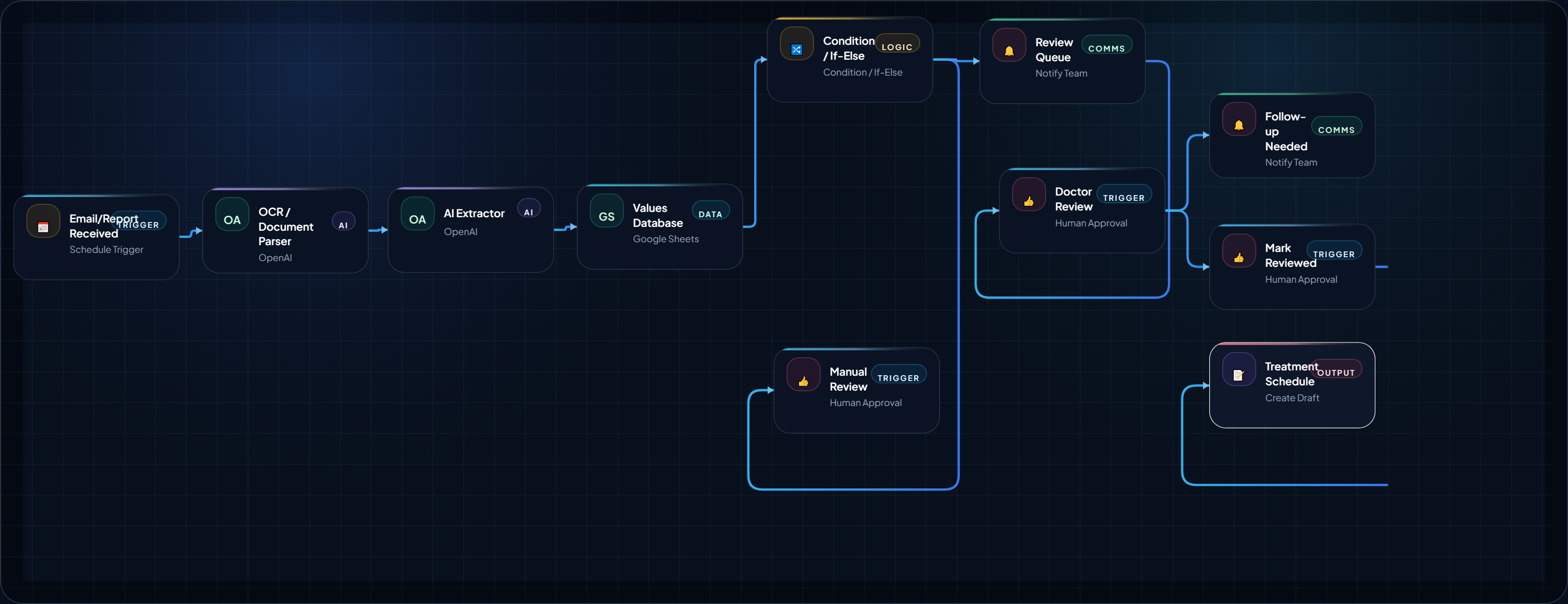
How to Build a Medical Lab Report Follow-Up AI Agent
This AI Agent is extremely useful for small scale hospitals and clinics. Analyze the medical report and organize it into a structured review ,...
August 18, 2026
Open Blueprint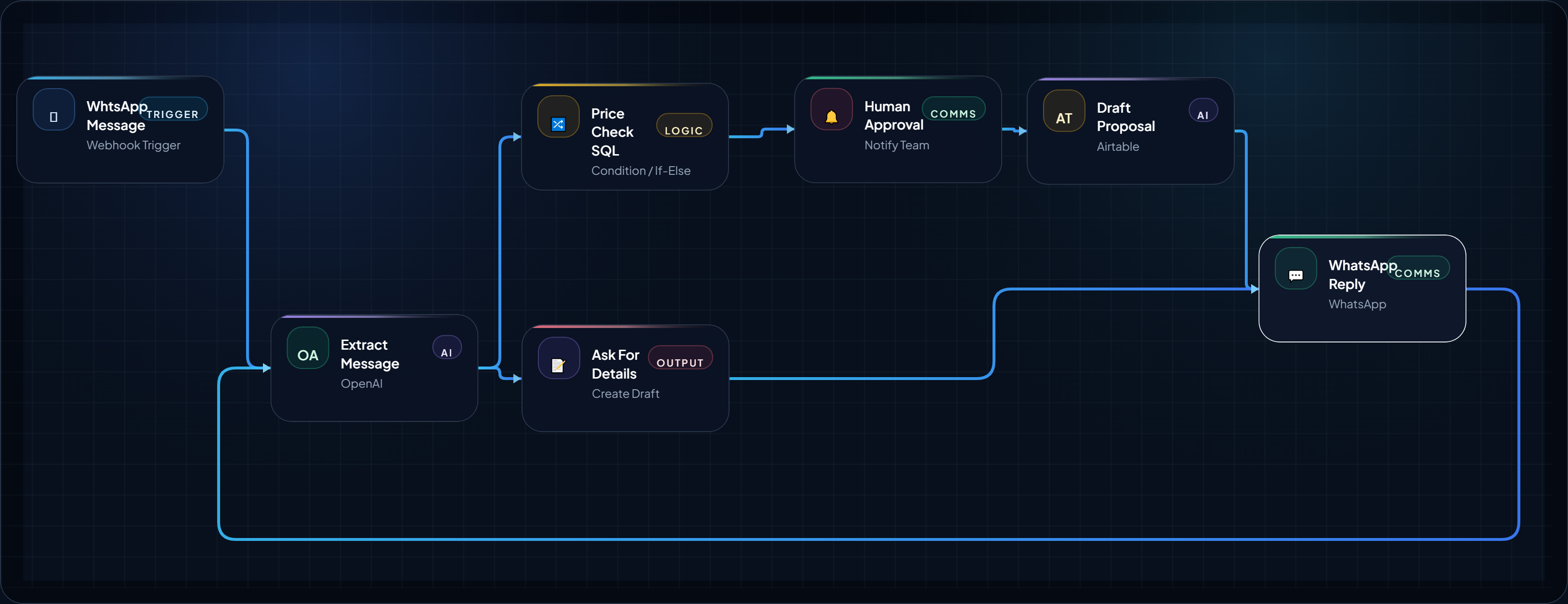
WhtsApp Message to Proposal in 5 Minutes: FREE Money Making AI Agent for Agencies
Turn your “How much?” price query on WhtsApp into cash generating lead by automatic pricing check, proposal draft, and follow-up task in o...
August 14, 2026
Open BlueprintBlueprint Card
build-a-24-7-whatsapp-quoting-agent-for-local-service-businesses
WhatsApp Quoting Agent for Local Service Businesses
Create a fast, practical WhatsApp-based quoting workflow that helps plumbers, HVAC teams, cleaners, and local service operators respond to “...
August 11, 2026
Open BlueprintRelated Analysis & Signals
Editorial context that expands the strategy around this blueprint.
Workflow Closing Placement
Placeholder framework only. This reserved block can be swapped to live AdSense markup later.
Reserved before the final next-step CTA so the lower page can support monetization without breaking the main implementation flow.
What This Blueprint Proves / Next Step
You now have an execution-ready structure with logic, trust framing, and implementation scaffolding. Next, choose where to expand.